The Real Bottleneck in AI Presentations—And How Live Canvas Editing Fixes It
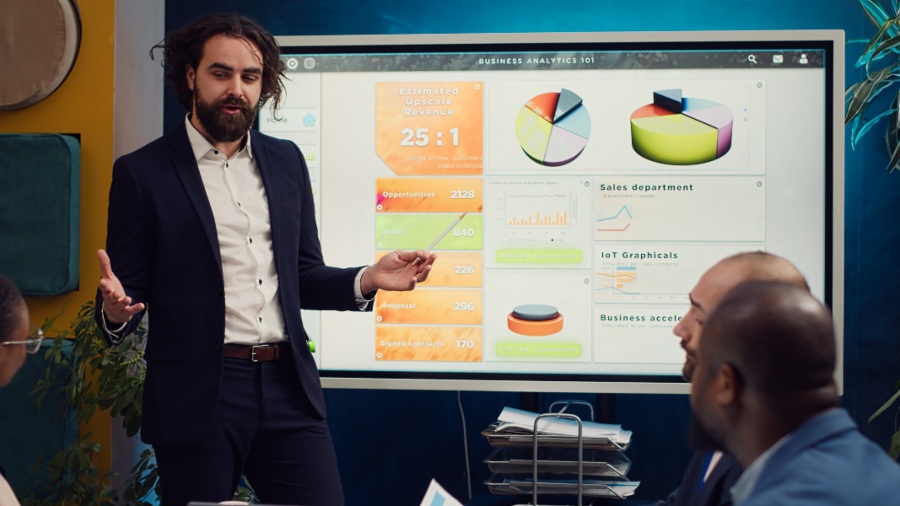
Anyone who has ever used an artificial intelligence tool to build a presentation knows the routine: you type a prompt, wait a few seconds, and the tool hands you a slide deck. It looks impressive at first glance. But then you look closer and notice a typo inside a background graphic, a boring bulleted list that should be a visual timeline, or an outdated metric in a chart.
This is where the real nightmare begins. With most traditional AI generators, if you want to fix a single detail, you are stuck. You either have to rewrite a complex prompt and regenerate the entire slide deck from scratch—which completely ruins the rest of your formatting—or you have to export the file to legacy software and spend an hour manually shifting boxes around like a digital construction worker.
The truth is, generating a first draft with AI is no longer the hard part. The real bottleneck is post-generation editing. True productivity isn’t unlocked by a tool that just drops static templates on your screen and walks away. It requires an integrated HIX AI – The AI Agent Workspace where research, content production, and deep, flexible editing happen on the same live canvas.
By moving your workflow to a platform like HIX AI, you can stop fighting rigid templates. Instead of treating your slides as an unchangeable image, you can use a live, conversational editing engine to tweak every microscopic detail through straightforward dialogue.
Early AI presentation software was built on a single-pass model. A user filled out configuration forms, submitted a text prompt, and the tool spit out a static file. This architecture assumes that creation is a linear transaction. But in the real business world, building a presentation is an iterative, collaborative process. A deck needs to be massaged, refined, and updated as new data comes in.
Before diving into the revolutionary editing tools, it helps to understand how the platform sets up a clean, structurally sound first draft.
First, it eliminates disruptive multi-step setup forms. If your topic is clear, you can use a one-sentence execution command. The system automatically handles slide count, audience tone, and layout styles in the background.
Second, if you upload a dense corporate file (like a PDF report or log), the system parses it page-by-page using a targeted section-indexing loop. This ensures every single slide maps directly to a real section of your source document, completely removing the risk of AI hallucinations or skipped chapters.
Finally, a built-in layout compiler continuously checks the standard 16:9 frame to automatically adjust text wrapping and margins, giving you a mathematically balanced, clean initial layout.
But what happens when that initial layout needs changes? That is where the platform’s advanced AI editing engine takes center stage.
Instead of forcing you to export your files to an external editor, the platform features an interactive canvas powered by a smart, dual-mode editing architecture. This system gives you two distinct ways to modify your slides based on whether you need surgical textual control or broad visual adjustments.
When you need to make specific micro-adjustments to a slide, Professional Mode allows you to communicate directly with individual objects on the live canvas without breaking the rest of your design.
For broad artistic changes, layout transformations, or modifications to complex visual graphics, the workspace provides an ultra-intuitive Creative Mode driven by an advanced layout rendering model.
Data visualization is another critical area where traditional presentation tools fail during the editing phase. Standard automated software exports charts as flat, unchangeable vector images. If a single financial metric changes, the graphic becomes useless, forcing you to go through a slow loop of spreadsheet-to-slide backtracking.
The platform resolves this visual rigidity by establishing a design-driven chart rendering standard for column charts, bar graphs, line plots, pie diagrams, and area charts. Every chart is built with clean, modern aesthetics, featuring rounded bar corners, clear data node markers, subtle gradient fills, and an organized five-tier typography hierarchy.
The true operational benefit, however, is that these charts remain fully interactive. They are built as embedded Excel data modules rather than dead images. If a performance metric updates, you simply double-click the chart interface to open the underlying data table directly inside the presentation suite. You can type in the new numbers, and the visual graphics update automatically on the spot, preserving your design alignment and ensuring your data remains perfectly agile.
When you are deep in the editing phase—testing different color combinations, rearranging visual elements, or rewriting copy—it is easy to make a mistake or change your mind. To protect your creative momentum, the workspace includes an automated version history system that acts as a safety net underneath both editing modes.
Every time the AI executes an adjustment, modification, or layout shift, the platform records an immutable progress snapshot. By hovering your mouse over the history timeline, you can view a chronological list of these preservation markers, complete with clear generation timestamps and unique identifiers.
If an editing direction doesn’t turn out the way you expected, you don’t have to manually undo your steps or worry about corrupted formatting. You can instantly preview past iterations and execute a complete version rollback. Once you restore an older version, all subsequent updates cleanly build on top of that restored state. This gives your team the freedom to experiment with bold design styles knowing their work is always traceable and safe.
The definitive lesson for professionals is that true workplace efficiency is not just about how fast an AI can generate a first draft—it is about how easily you can steer that draft to perfection. Spending valuable hours fighting rigid templates, manually aligning text frames, and copying numbers between separate applications is an outdated way to work.
By transitioning to an unburdened, unisolated platform like the HIX AI presentation maker, you bridge the gap between raw data generation and granular visual authority. Human talent can finally step away from the tedious, mechanical chores of manual formatting and focus entirely on what drives business growth: critical thinking, logical systems strategy, and persuasive leadership. The presentation lifecycle is no longer a clumsy administrative chore to be managed; it is an optimized system to be directed. It is time to use an advanced ai slides generator and take absolute command of your workspace.
Build a professional consulting or corporate website with Alexi. Modern design, responsive layouts, and flexible customization—perfect for business, agency, and service websites.
