The Ultimate Guide to Creating a Logo Online: Best Tools Compared
Not long ago, creating a professional logo meant hiring a designer, going through multiple revisions, and waiting days or even weeks for the final result
Today, things look very different.
Modern design tools have completely changed the creative process, making it faster, easier, and more accessible to everyone. No design experience required.
With just a few clicks, anyone can turn an idea into a logo, experiment with different styles, and bring their brand vision to life.
And while you might feel overwhelmed with the wide selection of such online logo makers, we are here to help by reviewing and comparing some of the most popular option.
Let’s get started!
The first tool to compare is Design.com, a full-fledged logo and branding design tool.
With advanced AI logo creation and editing capabilities and a large library of over 500,000 logo templates, Design makes it possible to design and customize high-quality logos and other branding assets.
Everyone, from individuals to businesses of all industries, can find and customize suitable logo templates.
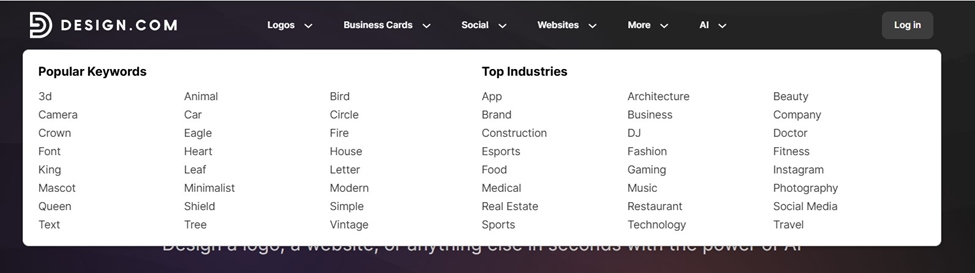
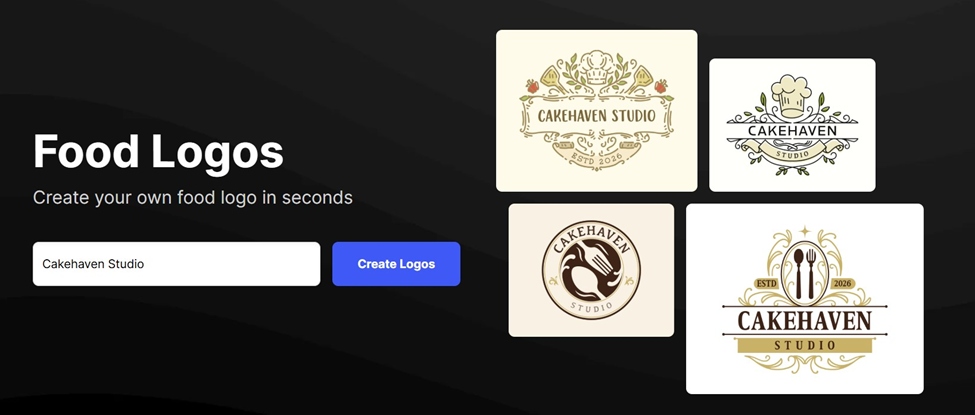
All templates are designed by professionals and are commercially safe to use. It also offers extensive file format download options from vector files (SVG, EPS, and PDF) to animated files, including GIF & MP4.
Apart from logos, Design.com includes 50+ additional design and branding tools, such as business cards, websites, social media posts, flyers, posters, and more.
To show you how the tool works, we have tested the logo creation process from the start.
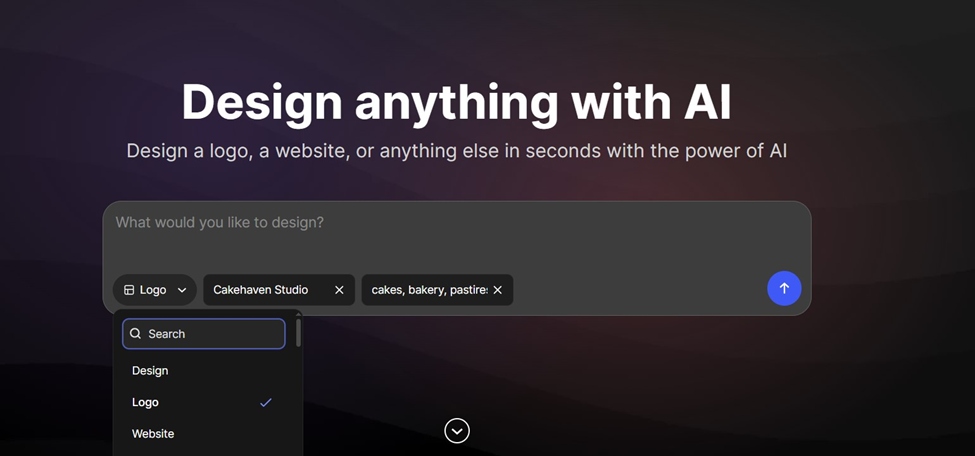
Right after entering Design.com’s website, you can see a description box to start. You can choose what you want to design, add your business name, some keywords, and additional descriptions.
This makes starting a lot easier as you don’t have to navigate through complex sections to find where and how to begin.
In our case, we selected “Logo” and added our business name. We also described what the service was about.
The tool instantly browsed around 15,000 templates. All were ready to be edited further, so we picked one and were transferred to the customization dashboard.
Here, we could edit everything from background colors, texts, shapes, layouts, and animation styles. Exploring different typography options with tools like Fontava can also help you find unique font styles that match your logo’s personality and brand identity.
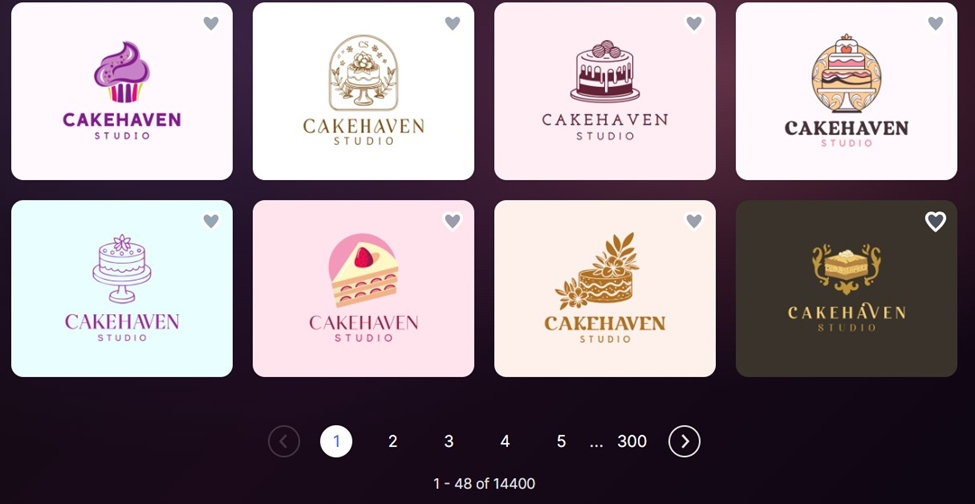
Here, we could edit everything from background colors, texts, shapes, layouts, and animation styles. One especially helpful thing was the built-in AI chatbox, where we could ask for additional changes in case we couldn’t find them in the dashboard options.
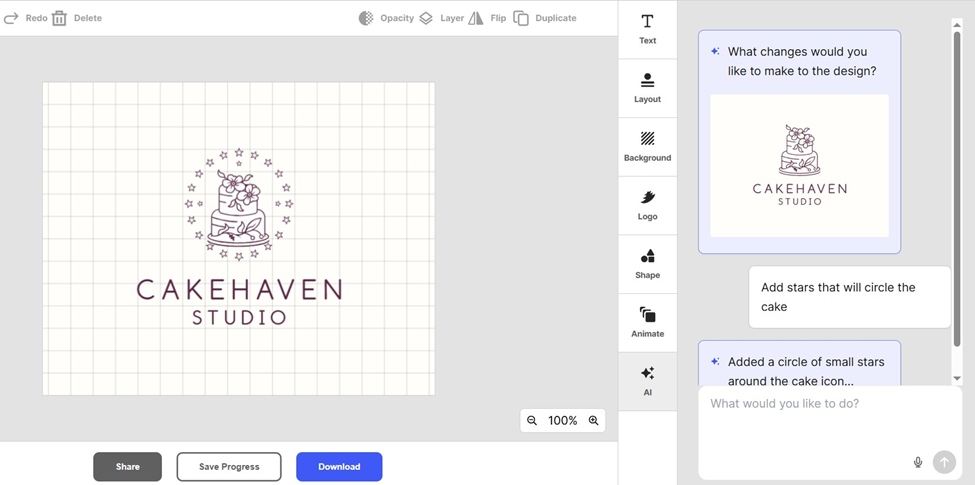
As we were done editing, we could preview our final product on various branding materials, save it to edit later, or download it right away.
| Platform functionality | Fast, easy to use and follow, no disruptions or long load times |
| Logo options | A large number of instantly-generated and high-quality templates |
| Pricing | Free logos, business cards, websites, and other design assets available.
Downloading a free logo also includes a free website builder, link-in-bio, and digital business card creator.
Pricing plans:
● Starter (Logo Pack): $5 per month billed annually ● Value (Logo Pack + Website): $6 per month billed annually ● Premium (Logo Pack + Website + More): $7 per month billed annually
|
The next tool to review is BrandCrowd. Its features are quite close to Design.com, as it also allows working on both ready-made templates and designs generated by an AI logo generator.
BrandCrowd’s library includes 380,000+ logo templates, over 750 fonts, and 62,000 custom, vector shapes.
The designs created through BrandCrowd are also commercially safe to use, and just like Design.com, this tool also offers extended licenses to logos.
Along with logo creation features, with BrandCrowd, you can also create digital business cards, social media posts, postcards, websites, videos, animations, and a lot more.
Here is the full list:
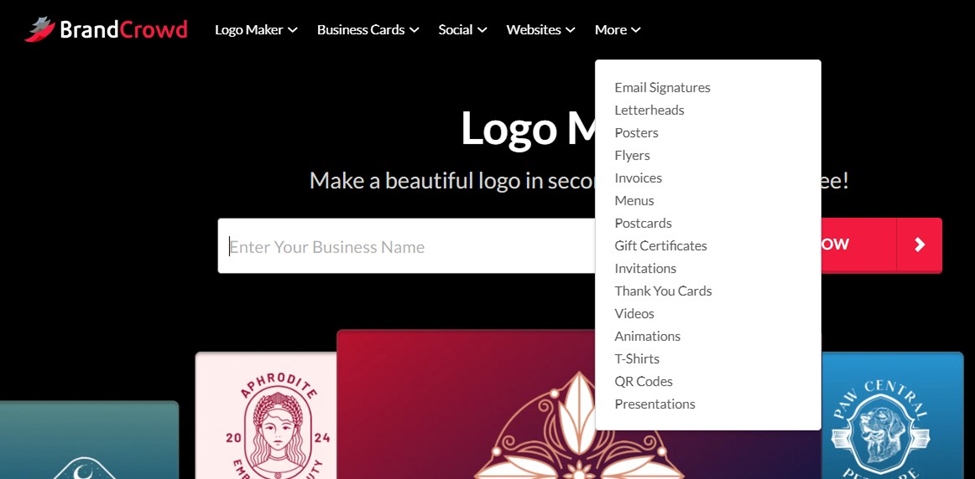
To begin, simply enter your business name in the special box on BrandCrowd’s homepage and hit “Start now”.
In our case, as we went with the same example bakery brand, the tool offered around 10,000 logo templates.
Choose the one you like and go ahead and customize it the way you want. To make the designs more specific to your business, make sure to add several keywords in the upper right corner.
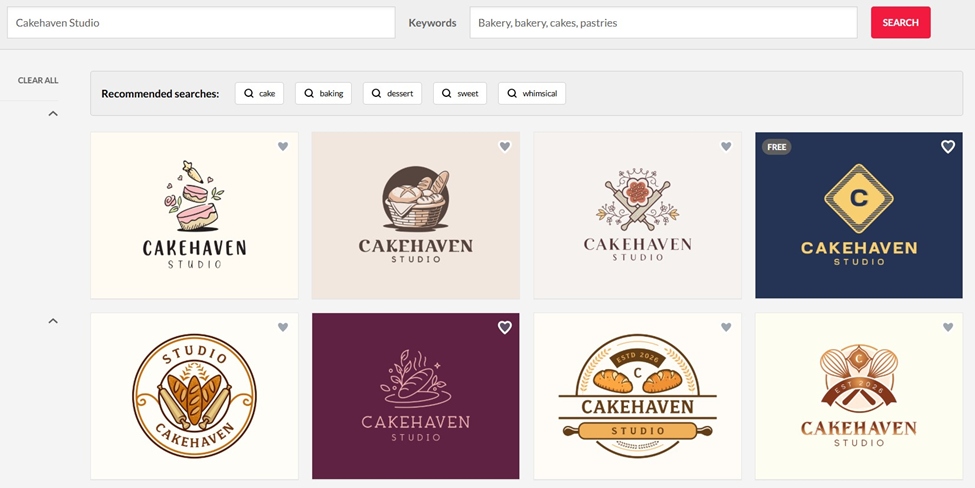
We found the same wide range of editing options, including text, fonts, shapes, layouts, backgrounds, and animations. We were also pleased to see the AI chatbot feature, as it makes it easier to bring more personalized and tailored ideas to life.
After finishing all the edits, the tool offers a logo preview, saving, and downloading options.
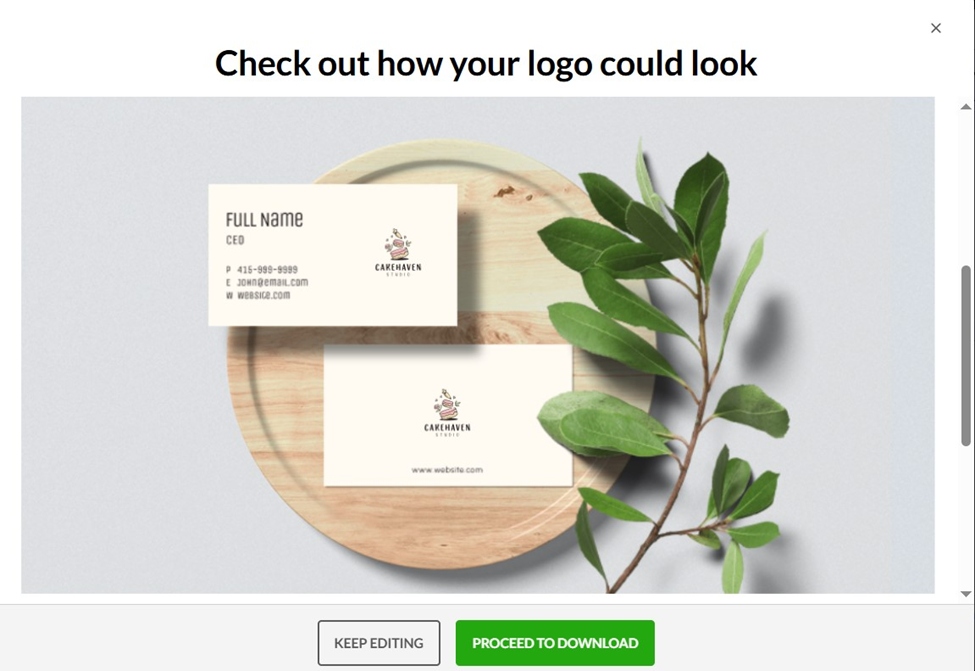
| Platform functionality | Fast, easy to use, and follow, no disruptions or long loadings |
| Logo options | A large number of instantly generated and high-quality templates |
| Pricing | Free logos, business cards, websites, and other design assets available.
Downloading a free logo also includes a free website builder, link-in-bio, and digital business card creator.
Pricing plans:
● Starter (Logo+ 50 Design tools): $5 per month billed annually ● Value (Logo + 50 Design tools + Website): $6 per month billed annually ● Premium Logo + 50 Design tools + Website + More: $7 per month billed annually
|
LogoAI is an AI-powered logo maker that helps everyone generate logos, create matching stationery, and design other assets necessary for a brand.
Apart from logos, LogoAi offers the following tools:
With these tools, you can automate your brand promotion with on-brand social media content.
The platform allows creating logos from scratch or review available logo ideas featured on the platform.
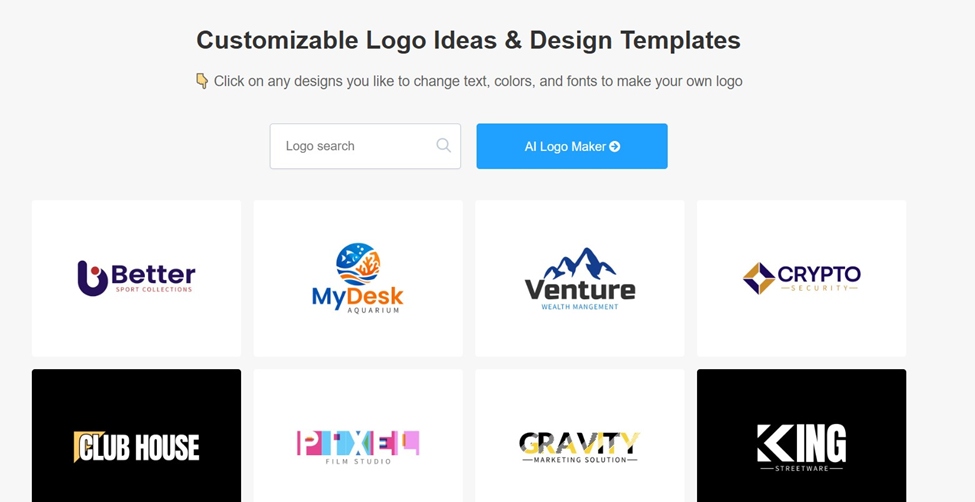
To begin creating logos with LogoAI, you first need to complete several steps, a process that is similar to many other logo makers. This helps the tool generate logo templates tailored to your business.
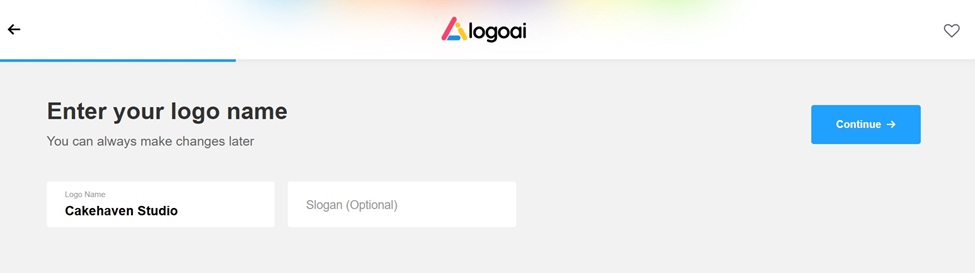
The tool then generates logos based on your answers.
Note from our experience: Since we again went with our example bakery business, we column’t find any Bakery-related industry in the “Industry” section. We picked “Other” and the generated logo templates were irrelevant to our business and needed further editing to match the industry.
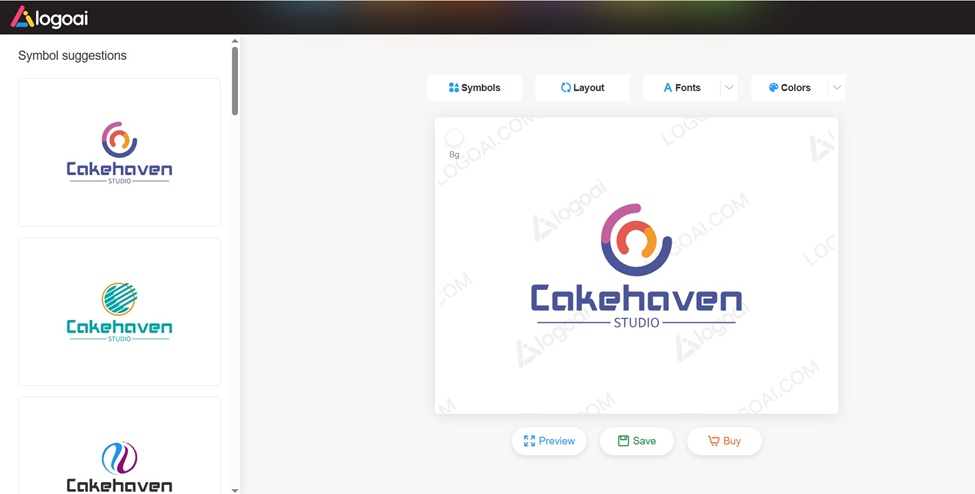
| Platform functionality | User-friendly and easy to navigate. Logo-making steps are easy to follow and smoothly guide users throughout the process |
| Logo options | Around 20 initial logos have been generated (available to load more).
Limited industry selection, due to which the generated logos can fail to match your brand name. No keyword-adding option. |
| Pricing | To download the final design, pricing starts at $29 (one-time purchase, 800 x 600 px)
|
Tailor Brands is not a separate logo-making tool itself; it is a technology company that helps set up, manage, and grow your business. It provides services such as LLC formation, Licenses and permits, sales tax permit, and more.
So, logo maker is only one of its branding and marketing tools. Other tools include digital business card creation, website building, business email address creation and more.
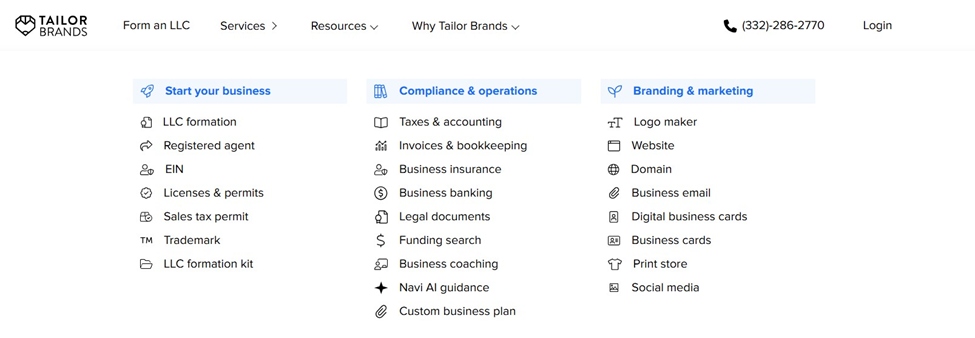
To find the Logo Maker, go to the “Services” section in the upper left corner and navigate to “Branding and Marketing” > “Logo Maker”.
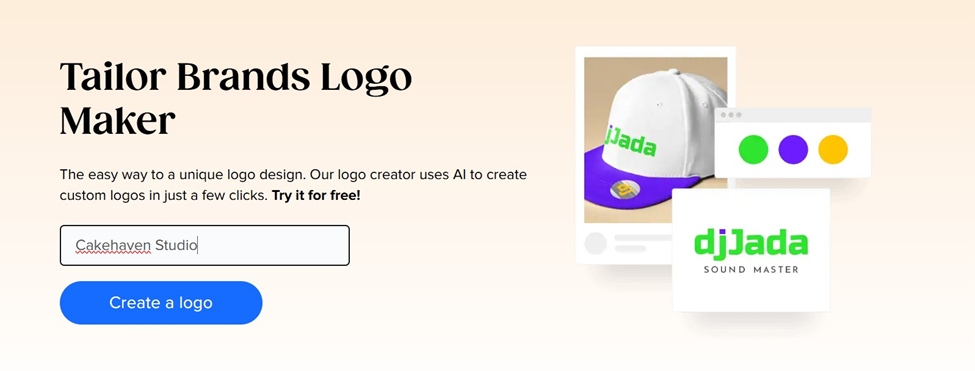
To begin with the AI Logo Maker, enter your business name and try it out for free.
Just like in the previous tool’s case, you need to complete several steps of choosing your preferred logo types, styles and fonts.
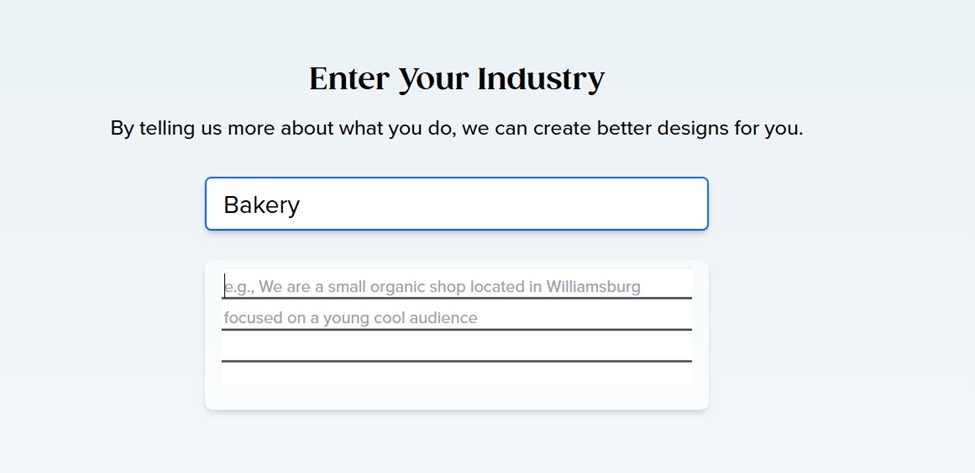
In the very beginning, you can also choose your industry, what services you provide, and describe your business in detail.
You are then given a few logo design option. You can load more or choose the one you like for further customization.
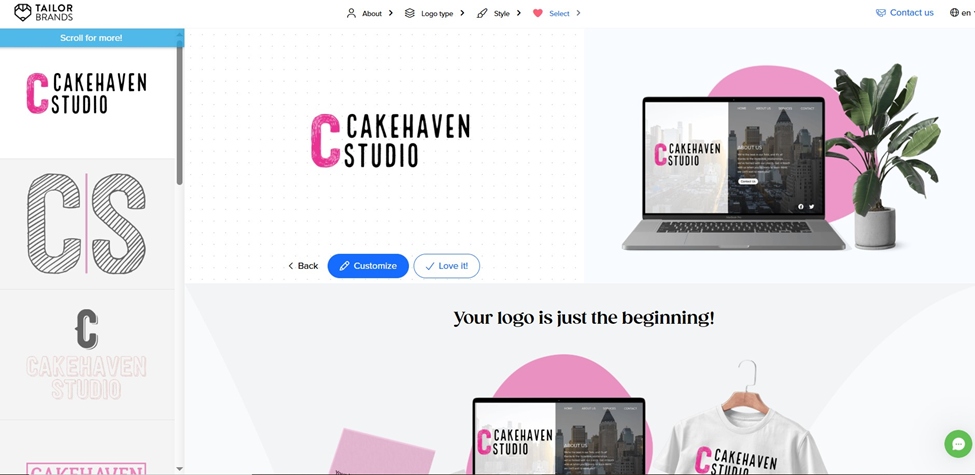
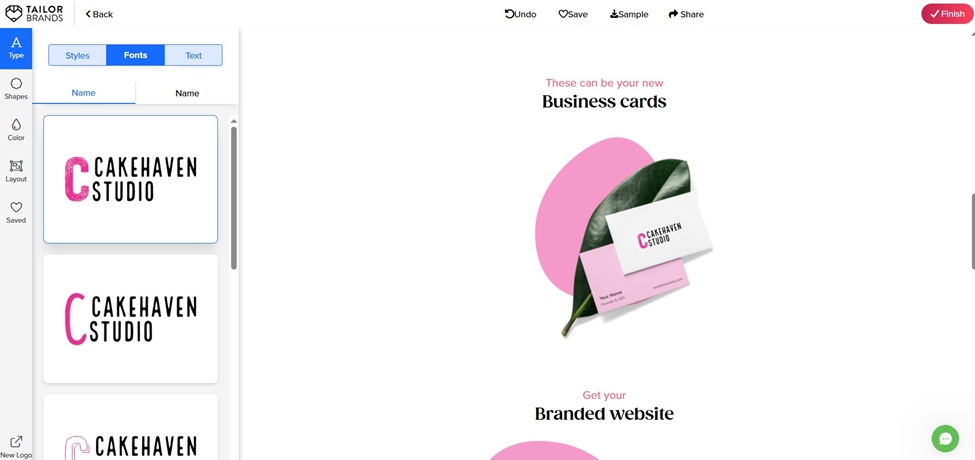
Apart from the logo ideas, the platform also automatically generates and gives a preview of how your logo will look on other branding materials like brand merch items, business cards or mobile phones.
After you are done, you can download one sample of your logo for free (small, low-resolution format). More advanced features and tools require a pricing plan subscription.
| Platform functionality | The user-friendly interface made the tool overall easy to use and navigate. The logo-making process required more steps to be completed than LogoAI. |
| Logo options | A few samples with an option to load more. Although we entered our industry and provided a description, the logo designs didn’t match the industry, seemed somewhat simple, and required more time for customization |
| Pricing | Free sample download (small size, low-resolution)
Pricing plans start $9,99 billed monthly. |
There are many logo makers available today, and each comes with different features, tools, and ways of creating logos. What works well for one business may not work as well for another, so it is always a good idea to test a few tools yourself before making a final choice.
Here’s our suggestion:
At the end of the day, the best logo is the one that feels right for your brand, so have fun testing, creating, and letting your imagination run wild!
this is a strange screenshot. It must be taken on very small screen. Any chance we can do this so we don’t see the “Make a design” part.
Build a professional consulting or corporate website with Alexi. Modern design, responsive layouts, and flexible customization—perfect for business, agency, and service websites.
