10 Best Tools to Manage Multiple WordPress Websites Effortlessly

Managing multiple WordPress websites can be a daunting task for business owners and agencies alike. From manually updating plugins to performing regular backups, the process can quickly become time-consuming and error-prone. However, with the right tools, you can streamline this process and focus on growing your business.
In this article, we’ll explore the best tools to help you manage multiple WordPress sites effortlessly, keeping them secure, updated, and performing at their best. Let’s dive into the risks of manual management and the benefits of centralized solutions before we look at the top 10 tools.
Managing multiple WordPress websites manually comes with significant risks. First and foremost, the time required to log in to each site and update plugins, themes, or the WordPress core can quickly add up. For businesses with dozens, or even hundreds, of sites, this inefficiency can lead to missed updates, performance issues, and ultimately, security vulnerabilities.
Another risk is human error. With each manual task, the risk of error increases, such as installing incompatible plugins, overlooking critical updates, or forgetting to back up a site. These errors can result in downtime, data loss, or compromised websites, which can be costly to resolve.
Moreover, managing multiple websites without a centralized system makes it difficult to monitor performance across all your sites. If one site experiences a technical issue or is targeted by cyber-attacks, it can go unnoticed until significant damage is done. Having no centralized monitoring system leaves you vulnerable to risks that can affect the entire network of sites.
Overall, managing multiple WordPress websites manually may seem feasible at first, but as the number of sites increases, it becomes a burdensome and risky task. Using a WordPress management tool eliminates these challenges, allowing you to automate and monitor updates, backups, and security from a single dashboard.
Managing multiple WordPress sites from a centralized dashboard offers a wide range of benefits for businesses and agencies. One of the most significant advantages is time-saving. With a centralized system, you can perform updates, backups, and maintenance tasks across all your sites simultaneously, rather than logging into each site individually. This not only saves time but ensures consistency across your network of websites.
Another key benefit is enhanced security. A centralized dashboard allows you to apply security patches and updates across all your sites at once, reducing the risk of vulnerabilities. Moreover, many management tools offer automated backup options that help protect your sites in an emergency, giving you peace of mind.
Centralized management tools also provide powerful reporting and analytics features. These tools provide insights into site performance, uptime, and other metrics, enabling you to monitor your websites from a single convenient location. This data helps you identify and resolve issues before they become critical, ensuring optimal performance and minimal downtime.
Lastly, a centralized dashboard improves team collaboration. You can assign roles and permissions, allowing multiple users to manage and maintain different aspects of your WordPress sites. The increased visibility and accountability it provides are much like the benefits of an employee monitoring tool, making it easier for teams to coordinate tasks and improve overall productivity.
By utilizing a centralized dashboard for WordPress management, you not only streamline your workflow but also enhance the security and performance of your sites. This newfound operational efficiency allows you to focus on scaling, perhaps by integrating AI lead generation to consistently fuel your business growth while your technical tasks run on autopilot.
Managing multiple WordPress sites manually poses a huge risk. It’s time-consuming, tedious, and can expose your site to avoidable security risks. You would have to log in to each website manually to update plugins, themes, core, or backup. Imagine doing this for hundreds of websites every day.
With the right WordPress management tool, you can manage multiple websites effortlessly. You can update plugins, themes, WordPress core, and back up your sites simultaneously. Here are the leading tools to choose for managing multiple WordPress sites.
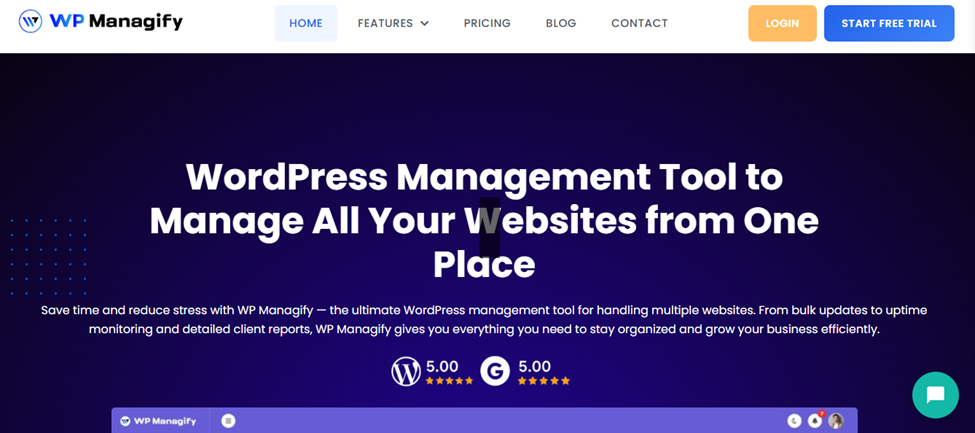
WP Managify is a top-rated WordPress management tool that helps businesses manage multiple sites from a single dashboard. It offers a user-friendly interface with advanced features that streamline website management tasks, including bulk plugin updates, automatic backups, and detailed reporting. WP Managify is the best tool for businesses looking for a hassle-free way to manage multiple WordPress sites, with its easy-to-use features and powerful automation capabilities.
WP Managify supports bulk updates for plugins, themes, and WordPress core, saving you valuable time and keeping all your sites up to date with the latest features and security patches. The platform also includes automated backups, so you never have to worry about losing your site data again.
Moreover, WP Managify offers detailed performance reports for all your sites, providing insights into uptime, page load speeds, and other critical metrics. These reports help you monitor the health of your websites and identify potential issues before they become major problems.
WP Managify also allows you to manage user permissions, making it easier to collaborate with your team. You can assign different roles to team members, ensuring that the right people have access to the right resources. This feature is especially useful for agencies managing multiple client websites.
• Bulk plugin, theme, and WordPress core updates
• Automated backups for all sites
• Uptime monitoring and performance reports
• Detailed analytics on site speed and other metrics
• One-click security fixes and patch management
• Manage multiple user roles and permissions
• Multisite management for agency teams
• Client reporting with custom branding options
• Simple and intuitive interface
• Automatic backups for enhanced data security
• Bulk updates for plugins and themes
• Uptime and performance monitoring
• Easy role-based access control
• Multisite support for agencies
• Dedicated customer support
• Limited advanced customization options
• No built-in staging environment
• Can be costly for large networks of sites
WP Managify stands out as the leading choice for managing multiple WordPress websites. Its comprehensive suite of features, including bulk updates, automated backups, and performance monitoring, makes it an all-in-one solution for businesses and agencies.
With its user-friendly interface and excellent customer support, WP Managify simplifies the complex task of managing numerous sites. It’s a tool that helps you save time, enhance security, and streamline your workflow, making it the best choice for effortlessly managing multiple WordPress sites.
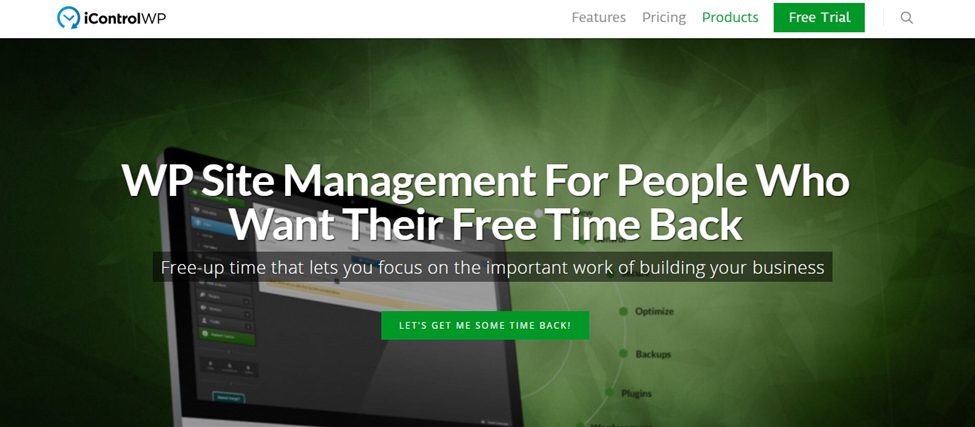
IControlWP is another excellent tool for managing multiple WordPress sites. It’s a feature-packed platform that enables users to update themes, plugins, and WordPress core in bulk, keeping all their sites up to date with ease. In addition to updates, IControlWP also offers secure backup solutions, performance monitoring, and detailed website performance reports.
The platform is designed for simplicity, allowing even users with limited technical knowledge to manage multiple sites without difficulty. IControlWP also offers user permissions and roles, making it easy for team members to collaborate efficiently on site maintenance tasks.
• Bulk plugin and theme updates
• Automatic backups and restore options
• Performance monitoring and uptime tracking
• Security audit and vulnerability scanning
• Site management dashboard with user roles
• Easy access control for multiple team members
• Multisite support for agencies
• Automated report generation for performance insights
• Easy-to-use interface
• Robust backup and restore features
• Real-time performance monitoring
• Detailed security scanning
• Efficient user role management
• Limited reporting features
• Lacks advanced customization options
• Some features can be slow during peak times
• Price can be high for larger networks
• Limited integration with third-party tools
IControlWP offers an intuitive and secure way to manage multiple WordPress sites. With its robust backup solutions, security scanning, and performance monitoring features, it’s an excellent choice for businesses that need a reliable tool to keep their websites up to date and secure.
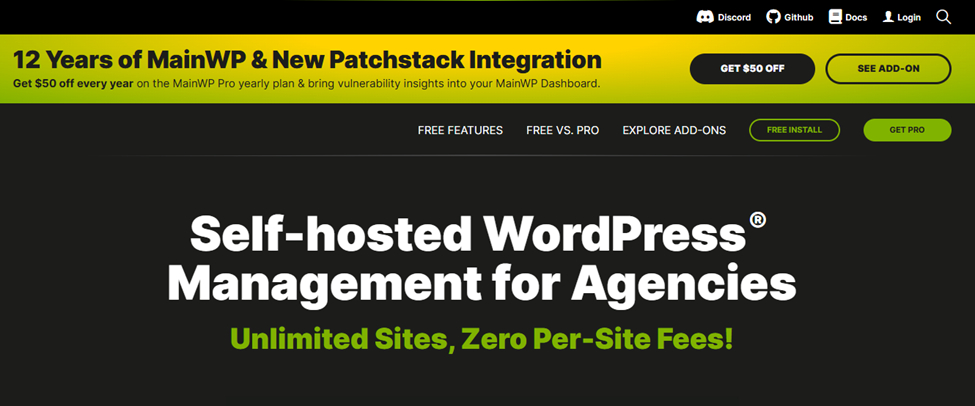
MainWP is an open-source WordPress management tool that allows you to manage all your websites from a single dashboard. It offers a wide range of features, including bulk updates for plugins, themes, and WordPress core. MainWP also integrates with a number of third-party extensions, providing additional functionality such as advanced reporting, SEO management, and more.
MainWP’s unique value lies in its open-source nature, allowing users to fully customize the tool to their specific needs. It’s ideal for agencies and developers who need flexibility and control over their site management processes.
• Open-source platform for full customization
• Bulk updates for plugins, themes, and core
• Integration with third-party tools and extensions
• Advanced reporting and analytics features
• Multisite management with role-based access
• Scheduled backups and security scans
• Client management options for agencies
• Easy-to-use user interface for beginners
• Open-source and highly customizable
• Integration with numerous plugins
• Powerful reporting and performance tools
• Scheduled backups and security scans
• Affordable pricing for agencies
• Lacks certain premium features
• Not as user-friendly for beginners
• Can be complex for smaller sites
• Some add-ons come with additional fees
• Occasional performance issues with large networks
MainWP is a powerful and flexible solution for managing multiple WordPress sites. Its open-source nature and robust feature set make it a top choice for agencies and developers seeking a customizable, cost-effective tool to streamline workflows.
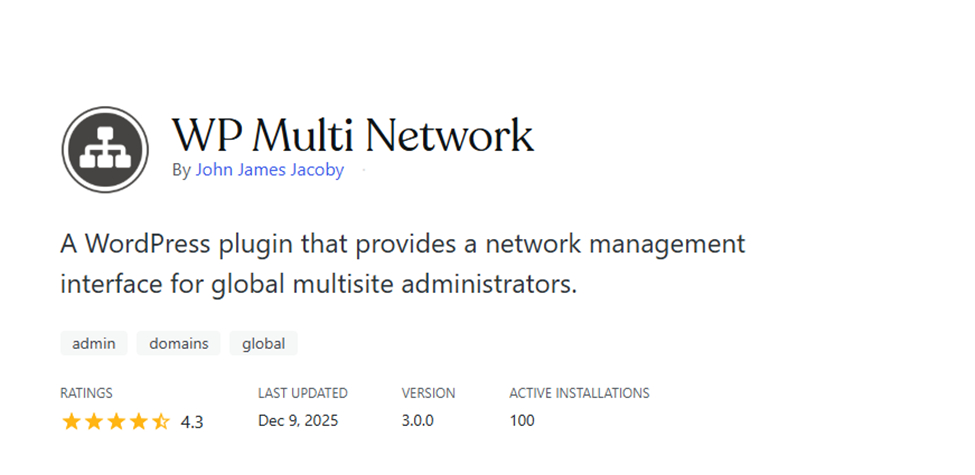
WP Multisite Network is a plugin that allows users to manage multiple WordPress sites within a single network. It’s an excellent choice for users who already use WordPress Multisite, as it allows them to manage multiple sites from a single dashboard. The tool simplifies the process of managing updates, user roles, and permissions across multiple sites.
WP Multisite Network is particularly beneficial for businesses with many sites running on a single WordPress installation. It eliminates the need for managing each site individually, saving time and reducing the risk of errors.
• Centralized dashboard for multisite management
• Bulk updates for themes and plugins
• User role management for different sites
• Multi-network support for various site types
• Easy-to-use interface for site admins
• Automated backups and updates
• Performance monitoring across multiple sites
• Security patches and vulnerability scanning
• Seamless multisite management
• Bulk updates for all sites at once
• Easy role-based permissions for users
• Automated backups and updates
• No need for third-party tools
• Limited to WordPress Multisite users
• Can become slow with a large number of sites
• Lacks advanced reporting features
• No built-in security scanning
• Needs additional plugins for full functionality
If you already use WordPress Multisite, WP Multisite Network is an excellent option for managing multiple sites in one go. It simplifies updates, backups, and performance monitoring, making it a powerful tool for businesses looking to streamline their multisite management.
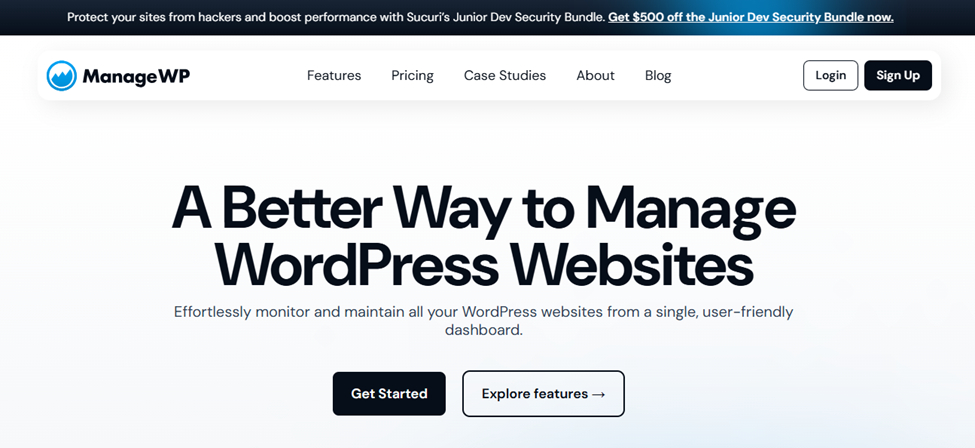
ManageWP is one of the most popular WordPress management tools available today. It allows users to manage multiple websites from a single dashboard, making it an excellent choice for businesses and agencies that need to oversee many sites. ManageWP offers powerful features like one-click updates for plugins, themes, and WordPress core, as well as automated backups and performance monitoring.
With ManageWP, you can manage everything from security to uptime monitoring, and even schedule regular reports. It’s ideal for users looking for a fully integrated platform that handles all aspects of WordPress site management from a single location.
• Bulk updates for plugins, themes, and WordPress core
• Automated backups and restores
• Real-time uptime monitoring
• Security scans and malware detection
• Detailed performance analytics
• Client reporting with customizable templates
• Multisite support for large networks
• One-click login to all managed sites
• Intuitive user interface
• Affordable pricing plans for agencies
• Efficient automated backups and restores
• Real-time monitoring and security features
• Excellent customer support
• Can become slow with larger networks
• Limited features on the free plan
• Add-ons are required for certain features
• Some users report occasional uptime issues
• Lacks customization options for reports
ManageWP is an excellent tool for businesses and agencies looking for a reliable, easy-to-use platform to manage multiple WordPress sites. Its robust features and automation capabilities make it a powerful solution for streamlining site management tasks, while its affordability makes it a great choice for businesses of all sizes.
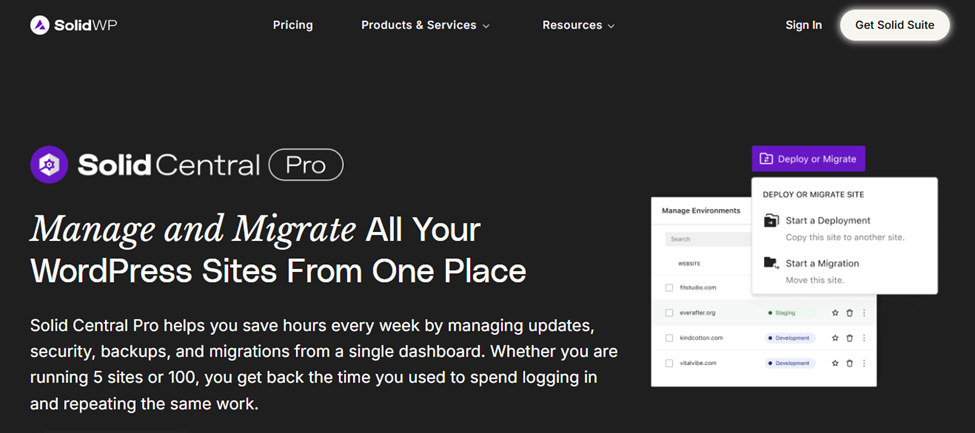
Solid Central is an all-in-one platform for managing multiple WordPress websites. With features such as one-click updates, automated backups, and performance monitoring, it provides a comprehensive solution for agencies and businesses managing multiple sites. Solid Central also integrates with third-party tools, making it a flexible solution for users who need extra functionality.
The platform is known for its security features, including malware scanning, firewalls, and protection against brute-force attacks, ensuring your sites remain safe and secure at all times.
• One-click updates for all plugins, themes, and WordPress core
• Automated backups and scheduled restores
• Real-time performance and uptime monitoring
• Malware scanning and security protection
• Integrations with third-party tools and services
• Easy-to-use user interface
• Reports on site performance and health
• Customizable security settings
• All-in-one WordPress management solution
• Robust security features for site protection
• Automatic backups and easy restores
• Performance and uptime monitoring
• Flexible third-party integrations
• No free version available
• Can be expensive for smaller businesses
• Lacks some advanced reporting features
• Not as intuitive for beginners
• Limited customer support hours
Solid Central is an ideal tool for businesses that require a comprehensive solution for managing multiple WordPress sites. With its advanced security features, automated backups, and real-time monitoring, it offers peace of mind for users who want to ensure their websites are safe, secure, and always up to date.
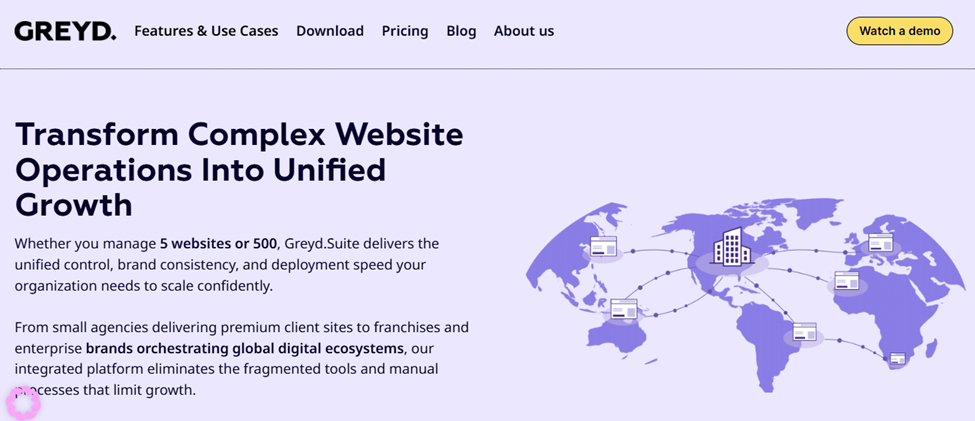
Greydsuite is a powerful WordPress management tool that allows you to manage multiple websites from a centralized dashboard. It features one-click updates for plugins, themes, and WordPress core, as well as automated backups and detailed performance reports. Greydsuite also supports team collaboration, making it a great option for agencies that need to manage multiple sites across various clients.
The platform offers excellent security features, including regular security audits and malware scanning, ensuring that all your sites are protected from potential threats. Additionally, Greydsuite’s detailed reporting capabilities allow you to monitor site performance and health in real time.
• One-click updates for themes, plugins, and WordPress core
• Automated backups and restore options
• Security audits and malware scanning
• Real-time performance monitoring and analytics
• Customizable reports for clients
• Team collaboration tools and permissions
• Multisite support
• Client invoicing and reporting
• Comprehensive reporting tools for agencies
• Robust security scanning and protection
• Collaboration features for team-based site management
• Real-time performance monitoring
• Easy-to-use interface
• High pricing for large networks
• Limited integrations with third-party tools
• Can become slow with many sites
• Some features are only available on higher plans
• Lacks automated optimization tools
Greydsuite is the perfect choice for agencies that need a comprehensive and secure WordPress management tool. Its real-time performance monitoring, combined with excellent security features and team collaboration options, makes it an invaluable asset for agencies managing multiple client websites.
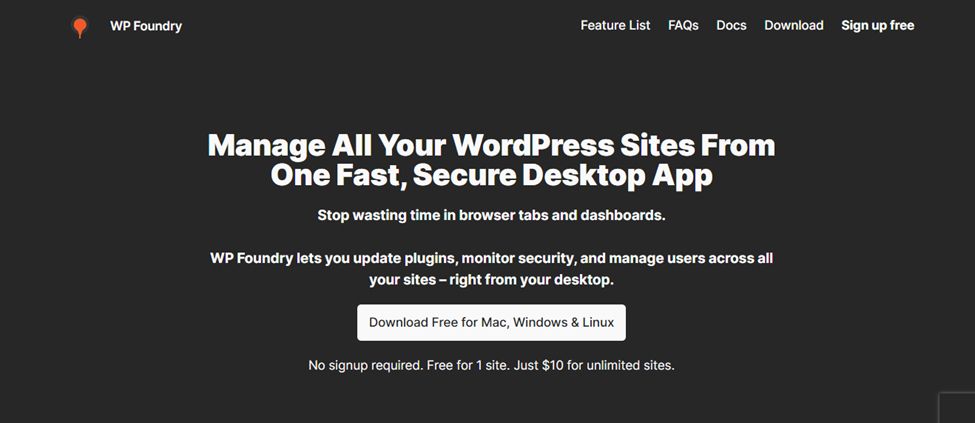
WP Foundry offers a flexible solution for managing multiple WordPress sites with ease. It provides bulk updates for plugins and themes, automatic backups, and detailed reporting tools that allow you to track site performance and uptime. WP Foundry is especially known for its ease of use and the ability to scale with your growing network of websites.
The platform also offers excellent security features, ensuring that all your sites are protected from malware and other online threats. It also integrates well with various third-party services, making it a versatile choice for businesses with diverse needs.
• Bulk updates for all plugins, themes, and core
• Automated backups and one-click restore
• Real-time site performance monitoring
• Customizable reporting and analytics tools
• User role management and permissions
• Integration with third-party tools
• Easy-to-use dashboard for managing multiple sites
• Security features, including malware protection
• Intuitive dashboard for easy site management
• Detailed performance analytics
• One-click updates and backups
• Customizable reports for clients
• Seamless integration with third-party services
• Limited features on the free plan
• Lacks advanced security measures
• Not as robust as other management tools
• Can be slow with large networks
• Some features require additional plugins
WP Foundry is a great option for businesses looking for a simple and scalable WordPress management tool. Its easy-to-use interface, combined with real-time performance monitoring and bulk update features, makes it ideal for businesses with multiple WordPress sites that need to stay up to date and secure.
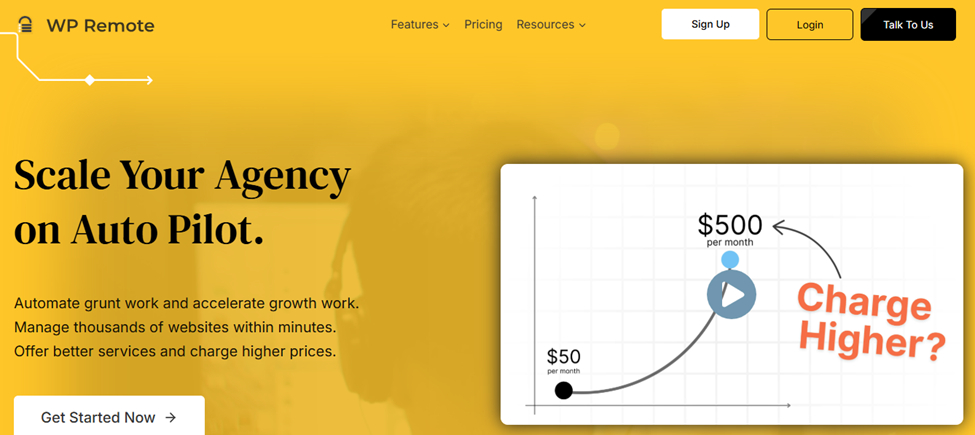
WP Remote is a reliable tool that offers centralized management of multiple WordPress websites. The platform lets you update plugins, themes, and WordPress core with a single click, ensuring all your sites run smoothly and securely. WP Remote also features automated backups, performance monitoring, and uptime tracking to keep your sites in top shape.
WP Remote’s user-friendly dashboard makes it easy to manage even a large network of sites, and its robust reporting tools give you detailed insights into site performance and health.
• Bulk updates for plugins, themes, and WordPress core
• Real-time performance monitoring and uptime tracking
• Automated backups and restore options
• Detailed reporting on site performance
• Easy-to-use user interface
• Site health checks and security alerts
• Simple dashboard for managing multiple sites
• Integrations with other tools for added functionality
• Simple and intuitive user interface
• Real-time performance monitoring
• Automated backups and restores
• Easy bulk updates for plugins and themes
• Affordable pricing
• Limited features on the free plan
• Can be slow when managing large networks
• Lacks advanced customization options
• No dedicated customer support team
• Limited integrations with third-party tools
WP Remote is a great option for businesses looking for an affordable, straightforward tool to manage multiple WordPress sites. With its intuitive interface and essential features like automated backups, performance monitoring, and bulk updates, it offers a solid solution for site management.
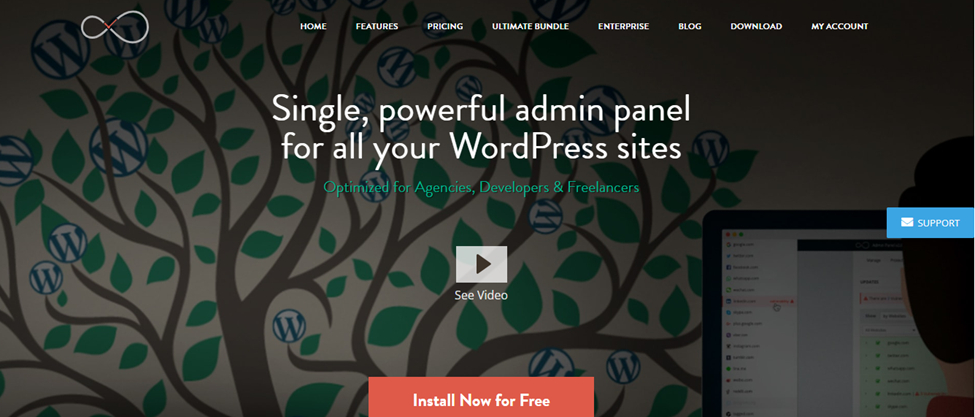
InfiniteWP is a highly efficient tool for managing multiple WordPress sites from a centralized dashboard. It offers bulk updates for plugins, themes, and WordPress core, as well as automated backups and security monitoring. InfiniteWP is ideal for agencies and businesses that manage a large number of WordPress sites and need a fast, reliable solution.
The platform also supports unlimited sites, enabling businesses to scale their operations without worrying about performance. Additionally, InfiniteWP offers powerful client reporting tools that agencies can use to keep clients informed about their sites’ health.
• Bulk updates for plugins, themes, and core
• Automated backups and one-click restore
• Security scanning and malware protection
• Client reporting and performance insights
• Unlimited site management
• Real-time monitoring and alerts
• Easy-to-use interface
• Customizable reports for clients
• Efficient bulk updates and backups
• Unlimited site management for growing businesses
• Strong security features for protecting sites
• Client reporting with detailed insights
• Fast and responsive customer support
• Lacks some advanced features of competitors
• Limited third-party integrations
• The interface can be overwhelming for beginners
• Some features are only available in paid versions
• Occasional performance issues with large networks
InfiniteWP is an excellent choice for agencies and businesses that need to manage a large number of WordPress sites. Its bulk update and backup features, combined with strong security and client reporting tools, make it an ideal solution for businesses that prioritize efficiency and site security.
In conclusion, managing multiple WordPress websites doesn’t have to be overwhelming or time-consuming. With the right tools, you can streamline updates, backups, and security, all from a centralized dashboard.
WP Managify leads the pack with its comprehensive features, offering businesses and agencies an efficient, user-friendly solution for WordPress site management. Whether you’re looking to save time, improve security, or enhance site performance, these tools are designed to simplify the entire process, allowing you to focus on what matters most—growing your business. Choose the tool that best fits your needs and watch your WordPress management become effortless.
Build a professional consulting or corporate website with Alexi. Modern design, responsive layouts, and flexible customization—perfect for business, agency, and service websites.
