How to Block YouTube on Your Child’s Phone
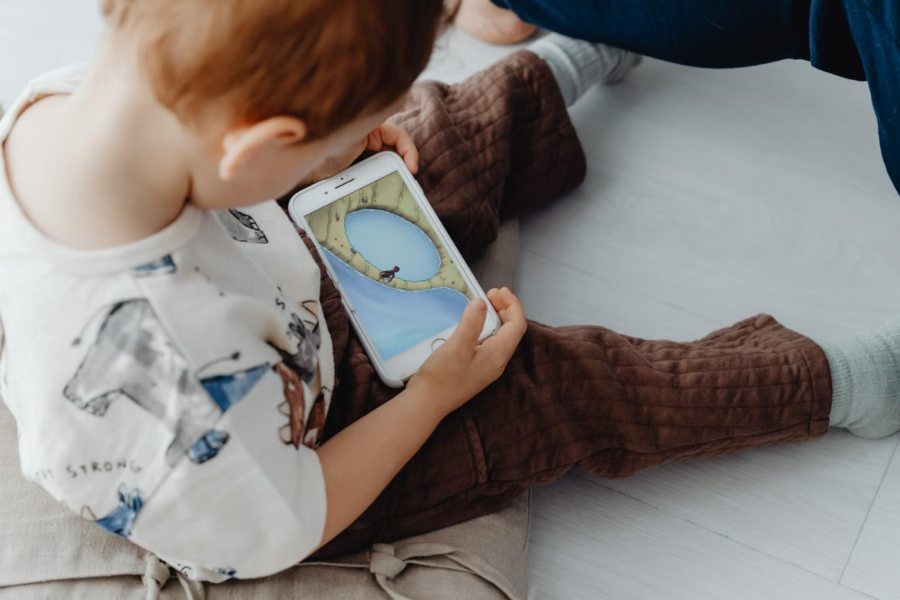
If you’ve been searching how to block YouTube, you’ve probably run into the same thing most parents do: the blocking is easy, and the staying-blocked is hard. You flip a switch, feel good about it for a week, and then the videos are back — opened in a browser, picked up on a tablet you’d half-forgotten about, watched at a friend’s house. On a modern phone, YouTube turns up in several places at once, so a single setting buried inside the app rarely holds for long.
That’s the case for handling it one level up — on the phone itself, instead of inside YouTube’s own menus. With Findmykids you can block the YouTube app on your child’s phone straight from yours. You set it once, and the app simply won’t open, whether or not your child has worked out how to undo the controls inside it. It does the same job on an iPhone or an Android phone, which matters if your household runs on a mix of both.
Before you change anything, it’s worth being clear about what you’re actually after, because “block YouTube” can stand for a few different things.
Sometimes you want a clean stop: the app won’t open, full stop. That suits school hours, the stretch after lights-out, or a younger child who isn’t ready for an endless feed yet. Other times a full block is more than you need, and what you really want is a ceiling — YouTube stays available, but only for a set amount of time each day, and then it closes on its own. And sometimes the honest first move is just seeing how much of the day is disappearing into it before you decide anything.
Findmykids covers the clean stop on both iPhone and Android. On Android phones you can go a step further: set a daily time limit for YouTube so it shuts off once the budget’s spent, or look at how long it’s been getting each day before you choose whether to cap it. Starting with the real number tends to change the conversation — it’s easier to land on “an hour a day” when you can both see it’s currently closer to three.
YouTube does offer its own controls — Restricted Mode, the separate YouTube Kids app, supervised accounts. They’re worth knowing about, but they only do their job while your child is signed in and inside that one app, and the filtering can shift the moment a different account logs in. The screen-time tools built into iPhones and Android phones help too, though each is tied to its own ecosystem and quietly assumes parent and child are on matching devices.
Blocking the app itself steps around most of that. When the YouTube app won’t open, it doesn’t much matter which door your child tries first — and you’re managing it from your own phone, not borrowing theirs to dig through menus every week.
A block lands far better when it isn’t a surprise. Tell your child what you’ve set and why — that YouTube is off during homework and after bedtime, say, and open the rest of the time. A rule a child understands draws a fraction of the pushback of one that appears out of nowhere, and “the phone’s set that way” is a much calmer line than a confiscation.
It also helps to treat the setting as something that moves. Findmykids lets you loosen the block as your child shows they can manage their own time — trim the off-hours, lift a limit on the weekend, hand back more as they get older. For most kids, a rule that can flex does more over the long run than a permanent lockout they’ll pour their energy into outsmarting.
One honest caveat: blocking the app closes the app, not youtube.com opened in a browser. That’s exactly why the block works best alongside a quick agreement and, on Android, a daily limit or a glance at the usage — between them they cover the gaps no single switch can.
If YouTube has quietly become the thing you’re forever negotiating over, blocking the app from your own phone is a low-effort place to begin. With Findmykids you can set it up in a few minutes, change it whenever you need to, and see for yourself whether a full block or a daily limit fits your family better.
It’s available on the App Store and Google Play, and the core tools are free to start with — so you can try the approach before deciding whether you want anything beyond it.
Build a professional consulting or corporate website with Alexi. Modern design, responsive layouts, and flexible customization—perfect for business, agency, and service websites.
