Scaling Design Systems: How to Keep Your Brand Consistent
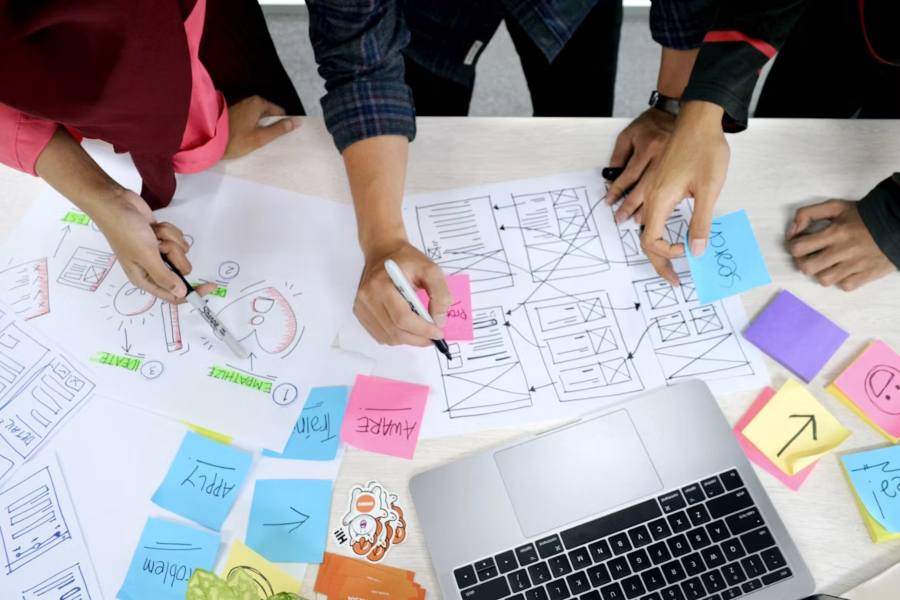
Growing companies often deal with this scenario: their teams put a lot of effort into creating a design system, everyone is excited to see it launch, and it works well. Over time, however, employees use it less and less, and eventually, it’s no longer relevant. Once the company scales up, new teams join and start making their own decisions, switching fonts, colors, and styles. There is no system anymore, and no one is sure what’s up-to-date.
The main reason companies struggle is that they create the framework and then stop. In reality, building and scaling a design system for enterprise products means you have to make sure everyone uses it, updates when needed, and adapts to different regions. It has to be maintained over time. Otherwise, it won’t be a usable resource for the company in the long term, and the teams may spend extra time on visual work.
Design systems are a very useful asset. They allow all enterprise products to adopt the same visual cues, whether colors, shapes, or typography. This means the company’s branding remains consistent, no matter what. With the right professional support, such as the services provided by the Spaceberry Studio team, the enterprise can grow and stay recognizable to its target audience. Yet, many growing companies find it hard to maintain the same design system over time.
The first reason is the complexity of the organization itself. A big company usually has several UX and development teams that might be based in different offices, cities, and even countries. They might have little communication, face language barriers, and follow varying goals and approaches. So, decisions lack consistency. In that case, many struggle to establish one design system for all.
The second reason is the speed of work. Product and design teams follow different timelines. While product professionals continuously release new features and solutions, designers need more time to update their standards and guidelines. When these offerings are adapted for new languages and locations, these specialists might not keep up. Without a unified standard and a responsible owner, it can become outdated.
The third challenge is broader adoption. As the company scales, the design system shouldn’t remain just a recommendation for employees. It should be a shared standard that people actually use all the time. To ensure that, companies have to keep this resource updated and accessible and the teams informed about it. If the designers and developers can’t find what they need, they’ll come up with their own solutions.
We have covered why scaling fails as an enterprise grows. Here are some tips to prevent common issues among designers, developers, and other parties who rely on brand visuals.
Every company should have a dedicated place where all design rules and guidelines are stored. This centralized source will encompass all tokens, typography, documentation, patterns, and brand rules that define the brand.
Then, designers, developers, and other team members don’t have to look for these components or come up with their own. They can navigate to the dedicated folder, find what they need, and produce consistent results without unnecessary interruptions.
Maintaining consistent typography is also important when scaling a brand across multiple platforms. Tools like Fontgen can help teams explore different font styles and create cohesive text designs while keeping the overall visual identity aligned.
Even if you need to create a large interface, it’s recommended to start with smaller building blocks. Reusable components should be prioritized in the process, so every team can work on the visuals without starting from scratch. For example, instead of constantly defining typography for every product, establish the values once and then reuse them throughout the design system. Tools like Fontyle can help teams explore and manage font choices while maintaining consistent typography across different digital products.
That way, if something changes in the library, it’s easier to update just one reusable piece instead of spending extra time and reassembling the entire system. UI elements like buttons, menus, and other blocks can be reused across websites, apps, and campaigns.
A design system without instructions remains just that. To transform it from a collection of elements into a usable tool, create guidelines and documentation that’ll explain how to apply them to existing processes. Explain:
When hundreds of people work on one brand and the organization is growing, not everyone knows what to do with the visuals. Providing comprehensive documentation with rules and examples is a straightforward way to help the whole team.
People involved in shaping your brand are not just creative specialists or developers. Very often, those who don’t handle technical details, like sales and marketing staff, also take part in the visual representation of the brand. When they see complex design systems, they might feel confused. To keep the approach consistent, the templates and resources your team creates and scales should be accessible to all types of users.
Intuitive templates, flexible components, and clear guidelines allow everyone in the enterprise to work fast and with confidence. When needed, offer training sessions, cheat sheets, and other helpful materials that’ll encourage adoption of the shared framework across the board.
Every design system needs a clear owner. Without the right management and maintenance, it will quickly become obsolete. People will forget it exists, stop using it, and abandon it when the company grows. There won’t be anything to scale when new products come out or when old ones need localization.
Make one person or team responsible for maintaining this resource. They should also check whether the system is accessible to and adopted by other departments in the company. The same owner can approve any changes, add components, and make sure everything is centralized.
Creating a design system is often treated like a one-time job. The team creates it, everyone is satisfied that it works, but it’s soon forgotten. Without maintenance, however, it won’t help during product scaling and company growth. Designers and developers will eventually come up with new components. But treating your design systems like living resources and keeping them up to date can save your company time, money, and effort when scaling.
Build a professional consulting or corporate website with Alexi. Modern design, responsive layouts, and flexible customization—perfect for business, agency, and service websites.
