Custom WordPress Plugins vs. Theme Code: Where Functionality Really Belongs
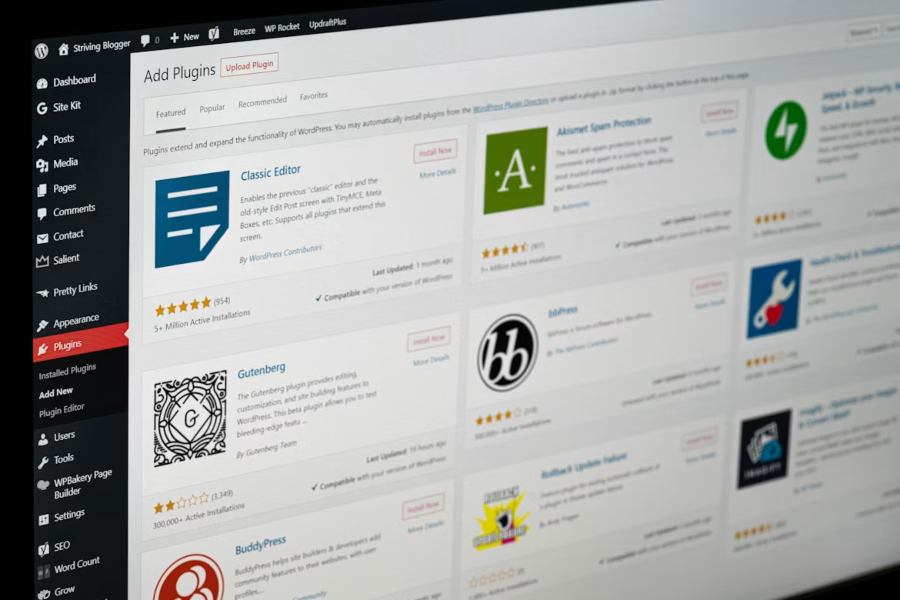
Every WordPress build eventually hits the same fork in the road: a client wants a feature the theme doesn’t ship with. A booking widget. A custom product filter. A loyalty system. The fast answer is to drop the code into the theme’s functions.php and move on. The right answer is almost always to build a plugin instead.
That distinction — theme code versus plugin code — is one of the most consequential decisions you’ll make on a project, and it has nothing to do with what’s possible and everything to do with what’s maintainable.
WordPress draws a deliberate line between presentation and functionality. A theme controls how a site looks; a plugin controls what a site does. The official WordPress Theme Handbook is explicit that theme-related functionality should not be tied to features a user would expect to keep if they switch themes.
The practical test is simple: if a feature should survive a redesign, it belongs in a plugin. A contact form, an event calendar, custom post types, an integration with a CRM — none of those should vanish the day a client decides to swap their theme. When that logic lives in functions.php, it does exactly that. It disappears, the site breaks, and someone spends a frustrating afternoon figuring out why.
Theme-bound functionality feels efficient in the moment. The costs show up later:
A plugin solves all four. It’s portable, it can be activated and deactivated, it can ship its own admin UI, and it loads only what it needs.
Off-the-shelf plugins cover an enormous amount of ground, and you should always reach for a well-maintained existing plugin first. But there are clear cases where a purpose-built plugin wins:
A custom tool like a Morse Code Translator can also be packaged as a dedicated plugin when the functionality needs to remain independent of the theme.
If you’ve never shipped one, the mechanics are more approachable than they look. WordPress’s hook system — actions and filters — lets a plugin change behavior without touching core, and a plugin can be as small as a single PHP file with a header: a folder, a plugin header block, properly enqueued assets, and activation hooks are most of what you need to get started.
A plugin is only better than theme code if it’s built properly. The patterns that separate a durable plugin from a fragile one:
This is also where many in-house teams hit their limit. Building a quick plugin is easy; building one that’s secure, performant, and maintainable across WordPress versions is a specialized skill. For projects where the plugin sits at the center of the business, it’s worth bringing in custom WordPress plugin development expertise rather than learning hard lessons in production.
For agencies, the volume question is real. One custom plugin is a project; ten concurrent client builds, each with bespoke functionality, is a capacity problem. Hiring senior WordPress engineers full-time is slow and expensive, especially when the workload is uneven.
This is where a dedicated development team model earns its keep — vetted developers who plug into your workflow and absorb overflow plugin and integration work, so you can take on more projects without compromising on the build quality that keeps clients (and their themes) intact.
Before you paste that next snippet into functions.php, ask one question: should this survive a theme change? If the answer is yes — and it usually is — you’re looking at a plugin. Themes make a site beautiful. Plugins make it work. Keep the two separate, build the plugin properly, and every future update, redesign, and migration gets dramatically less painful.
Build a professional consulting or corporate website with Alexi. Modern design, responsive layouts, and flexible customization—perfect for business, agency, and service websites.
